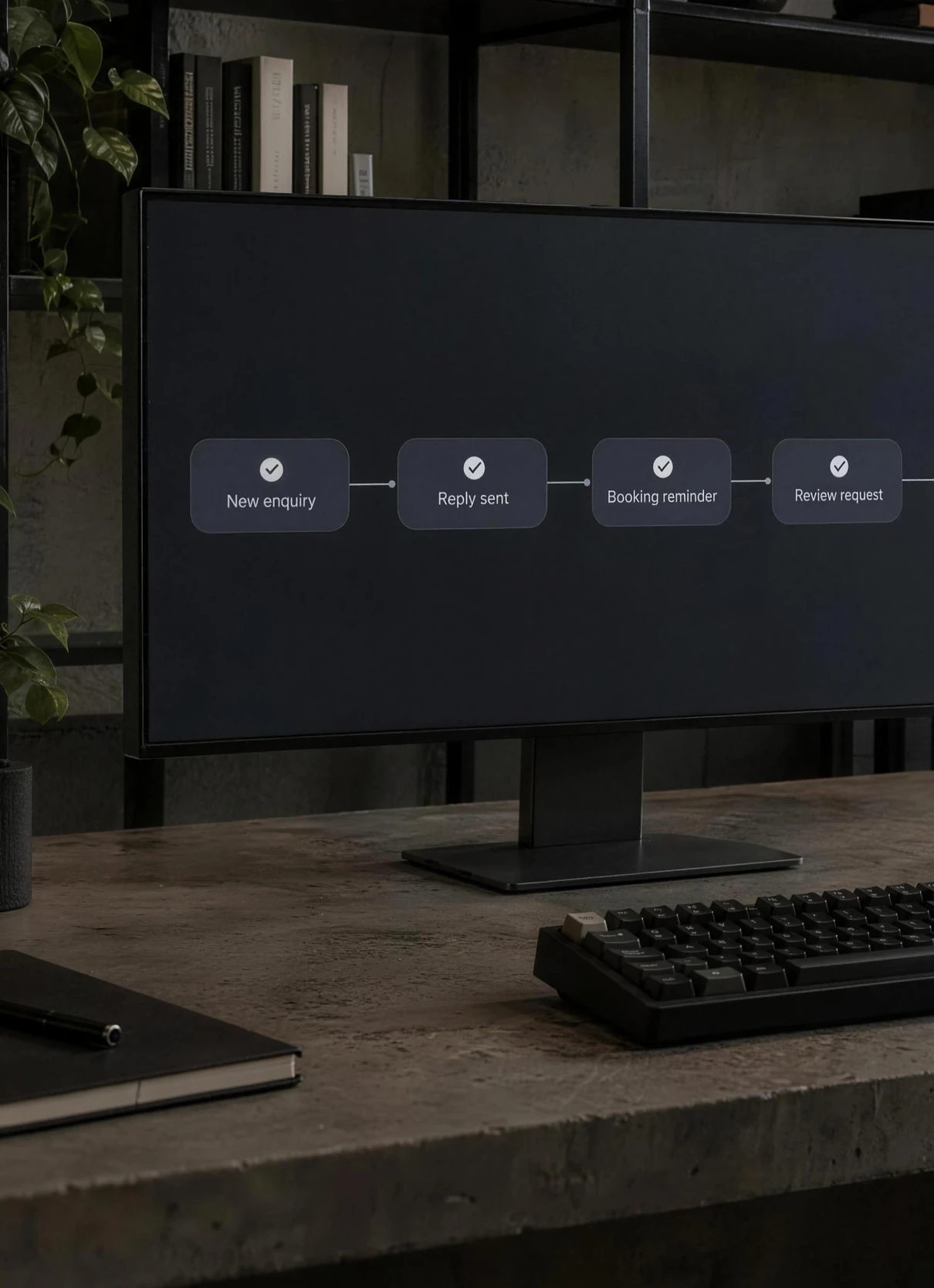


Five jobs you can hand to automation this month are missed-call text-back, enquiry follow-ups, review requests after a visit, booking confirmations and reminders, and routing enquiries to the right person. Each one is repetitive, time-sensitive and easy to forget on a busy day, which is the kind of work software does reliably. You write the messages once, set the rules, and they go out every time.
Start with one. Run it for a fortnight, read what it sends, and adjust the wording before you add the next.
1. Missed-call text-back
When a call goes unanswered, the caller gets an automatic text within moments. It says who you are, that you've seen the call, and what happens next: a call-back, a link to book, or a way to send details.
Why it's worth doing. The caller wanted something sorted now. A quick reply keeps them talking to you rather than ringing the next name on the list.
What to write. Keep it short and human: "Hi, it's [name] at [business]. Sorry we missed your call, we're with a customer. We'll ring you back by [time], or reply here with what you need."
Watch out for promising a call-back time you can't keep. Pick a window you'll actually hit, every time.
2. Enquiry follow-ups
The moment someone fills in your contact form or sends a message, they get an instant reply confirming you've got it and saying what happens next. That reply can be a text, an email or a call-back. If they go quiet after you've sent a quote, one follow-up a few days later checks in.
Why it's worth doing. Someone shopping around may contact several businesses at once. A fast, clear reply shows you're organised before you've even spoken.
What to write. Repeat back what they asked about, say when a person will be in touch, and give one next step. For the follow-up after a quote, one friendly nudge is enough. Don't build a sequence of five.
Watch out for replies that are obviously a template and say nothing. Use their name and their request if your form captures them, and stop the follow-ups the moment they reply.
3. Review requests after a visit
After each visit or booking, the customer gets a short message asking for a Google review, with a direct link to the review form.
Why it's worth doing. People read reviews before choosing who to call, and a steady flow of recent ones shows you're active. Asking is the step that slips most easily on a busy day, so let the system do it.
What to write. Thank them, ask one simple question, and give the link. Send it soon after the visit, while it's fresh.
Watch out for Google's review rules, which don't allow paying or rewarding people for reviews, or only asking the customers you expect to be happy. Ask everyone, the same way. Mind the UK rules on texts and emails too: marketing messages need the person's consent under PECR, or the "soft opt-in" for existing customers, with an easy way to opt out. A review request sits close to that line, so the safe course is to tell customers at booking that you'll ask for feedback, and always include an opt-out. This isn't legal advice; the ICO's guidance is the place to check.
4. Booking confirmations and reminders
When someone books, they get a confirmation straight away with the date, time, address and anything they need to bring. A day or so before, a reminder arrives with a simple way to rearrange.
Why it's worth doing. A confirmation heads off "did my booking go through?" calls. A reminder gives people the chance to move an appointment rather than simply not turning up, which frees the slot for someone else.
What to write. The essentials only: when, where, what to bring and how to change it. Add parking or access notes if people often ask about them. Keep offers out of these messages, so they stay service messages rather than marketing.
Watch out for reminders from a system that doesn't know about changes. If someone rearranges by phone, update the booking system too, or they'll be reminded about the wrong day.
5. Routing enquiries to the right person
Every enquiry lands with the person who can deal with it. A quote request goes to whoever prices jobs, a booking change goes to whoever runs the diary, and a complaint goes to the owner. Your contact form asks one question, "What's this about?", and the answer decides where it goes.
Why it's worth doing. In a shared inbox, everyone assumes someone else has it. Routing gives every message an owner.
What to write. Almost nothing. This one is about rules: a short list of enquiry types, one owner for each, and a fallback for anything that doesn't fit.
Watch out for holidays and sick days. Every route needs a backup person, or messages sit unanswered while someone's away.
Where we come in
We build these for small businesses: speed-to-lead replies the moment someone enquires, automatic review requests after each visit or booking, and welcome, birthday and win-back messages. They sit alongside an AI chat assistant for your website and an AI voice receptionist for missed calls. See how it all fits together on our AI systems page.